
For years, I used Limit Login Attempts on all my websites to make it harder for potential attackers to brute-force their way into my login page. The original developer discontinued the plugin, which was forked and continued as Limit Login Attempts Reloaded. Over time, the plugin became increasingly intrusive, constantly drawing attention in the WordPress admin area to advertise paid add-ons.
What I really wanted was a plugin that prevents brute-force attacks by adding a delay after several failed login attempts. After growing dissatisfied with Limit Login Attempts Reloaded, I decided to build my own plugin to do exactly what I needed: Protect Login.
Settings
Once installed, Protect Login adds a sub-menu item under Settings, where you can adjust a handful of options—but it’s not necessary. Out of the box, the plugin runs a sensible default configuration.
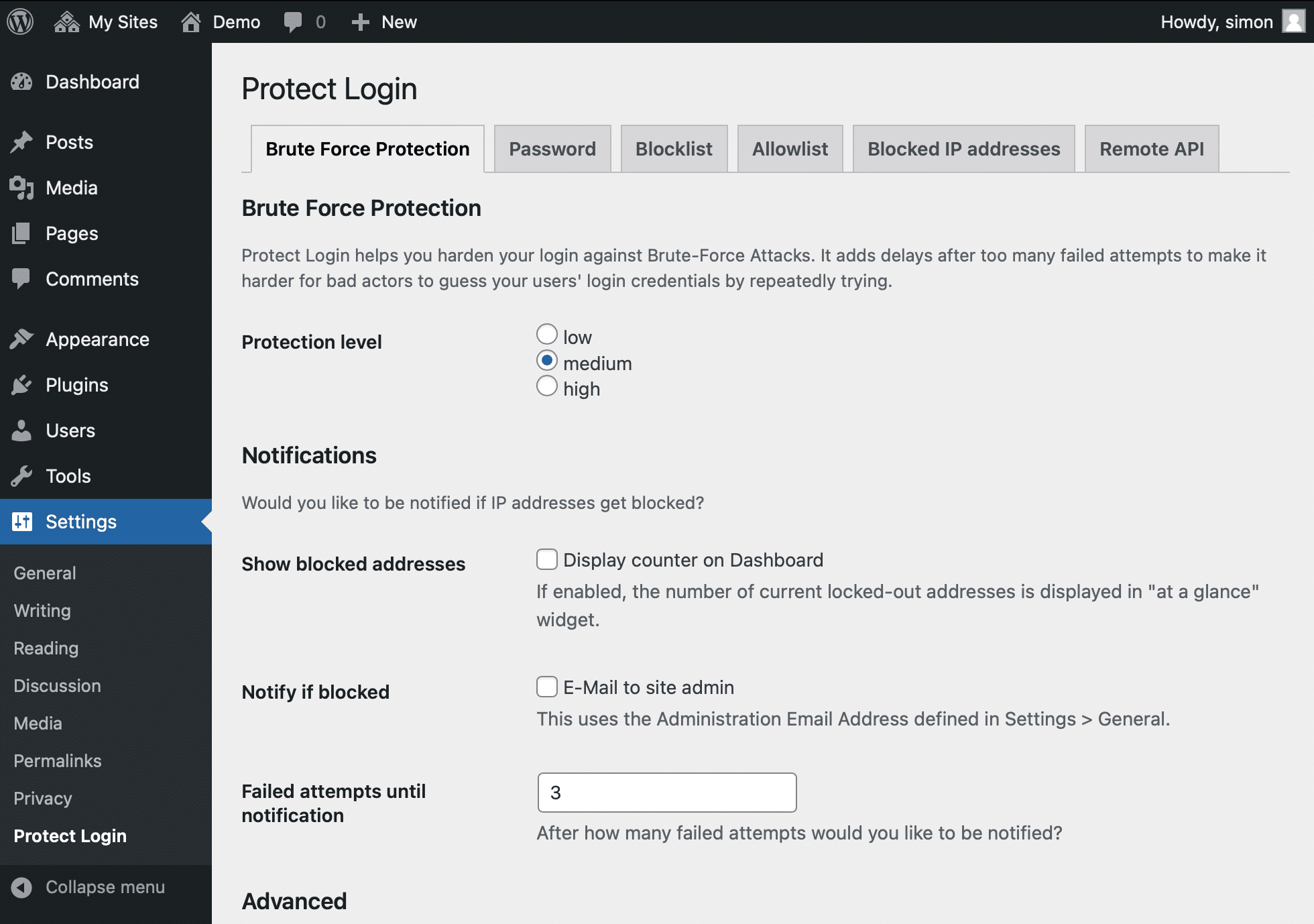
Unlike its predecessors, Protect Login eliminates the need to tweak settings for lockout durations and retry limits. Instead, you select a desired security level. Based on this, repeated failed login attempts will result in temporary lockouts sooner (at high security levels) or later (at low security levels).
There is deliberately no paid version of this plugin and no ads cluttering the interface.
Better together
Protect Login is not a comprehensive security plugin—this is by design. The goal was to focus on a specific aspect of WordPress security. However, when combined with two-factor authentication and a strong password, Protect Login provides a solid first line of defense.
Comments 0
Write a comment ↓No comments yet.
Start the conversation – here or from the Fediverse.
Prefer the Fediverse? Search for this post in your Mastodon app and reply there – your reply will show up here.